
Payload CMS for Headless Content
Payload CMS is a headless content management system geared toward teams that work with TypeScript. Its collections and fields define both the schema of the documents and the admin interface and APIs consumed by other applications.
At Coresis we evaluate it for products where the content model lives close to the code, granular permissions are needed, and the team wants to control the deployment without depending on a fully managed editorial platform.
Main capabilities
Payload CMS

Content models expressed as configuration
Collections, fields, relationships, and blocks let you represent the domain with an explicit structure. This brings editorial decisions closer to version control and helps review schema changes together with the code that consumes them.
Consistent APIs over the same model
Collections generate interfaces for administration and access via a local API, REST, and GraphQL. It doesn't remove the need to design contracts, but it reduces duplication when several channels query the same structured content.
Permissions on documents and fields
Access control can be applied per operation, collection, document, or field. We design those rules from the business's real roles and verify that the admin interface doesn't expose actions the backend would later have to reject.
Versions, drafts, and publishing
When enabled, versions let you keep history, compare changes, restore documents, and operate drafts. The flow needs to be defined with owners, retention limits, and a secure preview strategy.
Extending without splitting the editorial product
Hooks, validations, and custom components let you adapt the experience to specific processes. We use that flexibility with limits: every customization needs an operational reason and shouldn't turn a CMS update into a rebuild project.
When to choose Payload CMS
Payload CMS fits when the product team works mainly with TypeScript, wants to host its own solution, and needs the editorial model to live close to the repository. It can be a good fit for catalogs, decoupled portals, applications with users, and products where content and logic share a delivery cycle.
It isn't always the right choice. An organization that needs a very wide module community, complex editorial governance, or long-term institutional support may get more value from Drupal. A SaaS service like Contentful can reduce infrastructure operation. The decision should compare control, total cost, maturity, team capabilities, and lock-in risk.
Integration with frontends and services
Payload can deliver content to Next.js and other applications through its APIs. The implementation needs to account for previews, caching, media, search, webhooks, and publication states. If there are transactions or enterprise integrations, a separate NestJS layer can hold the rules that don't belong to the CMS.
We also review backup, restoration, and schema migrations before production. Having access to the code and the database increases control, but it also assigns the team responsibility for patches, availability, observability, and recovery.
Implementation checklist
- Model collections from editorial tasks, not from the final screen.
- Define access per operation and test roles with real data.
- Configure versions, drafts, and retention according to the process.
- Separate secrets and protect the admin endpoints.
- Plan media, search, caching, and webhooks before launch.
- Automate backup, restoration, and migrations between environments.
Frequently asked questions about Payload CMS
Does Payload CMS include an API?
Yes. Its collections expose a local API, REST, and GraphQL over a shared model. Permissions must be configured explicitly for each case.
Is it only for Next.js?
No. It can integrate with different frontends and consumers. Next.js is a common pairing because both work well in TypeScript ecosystems.
Does it replace Drupal in every project?
No. Each platform solves different needs. Drupal usually offers more editorial and institutional capabilities ready to configure; Payload brings the CMS closer to the development flow.
Decision guide
When to choose Payload CMS for headless content
Payload CMS fits when a technical team wants to define content, permissions, and extensions in TypeScript and keep control over the deployment. Its closeness to the code speeds up custom products, but it also shifts infrastructure, updates, and editorial experience responsibility onto the team.
Content-driven products
Applications where editorial data is part of the domain and needs its own logic or permissions.
TypeScript teams
Organizations that prefer reviewing CMS models and changes through the same code flow as the product.
Self-hosted headless backends
Projects that need APIs, administration, and extensions without depending on a closed SaaS.
How it fits into the architecture
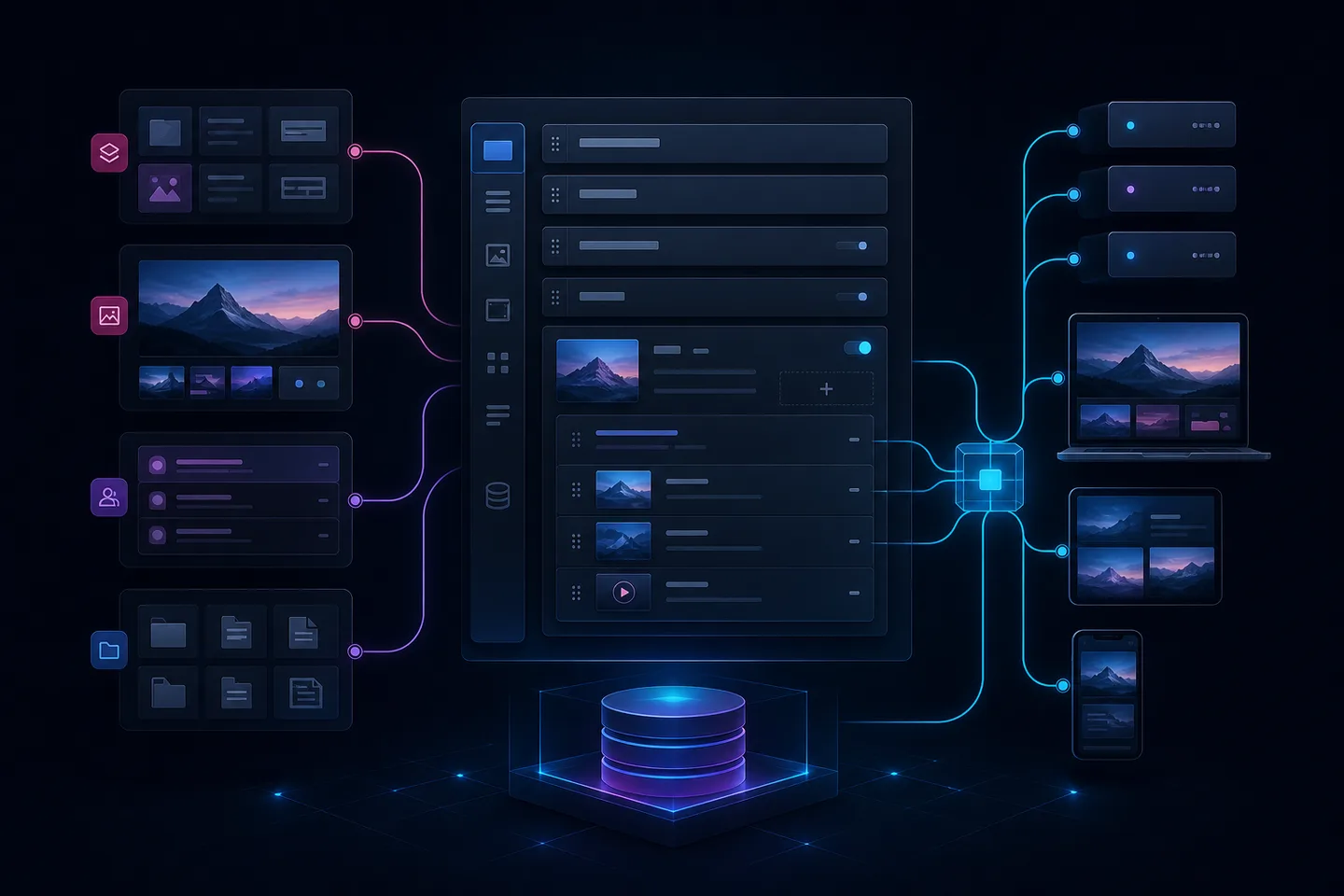
Payload is deployed with its own runtime, database, and file storage. The model generates the admin panel and the APIs; a frontend like Next.js consumes that contract. The solution needs to include backups, media processing, caching, email, search, and observability depending on volume, because technical control also means operation.
What to validate before adopting it
- Validate the model with editors before locking it into code.
- Design permissions per collection, document, and sensitive field.
- Plan drafts, versions, media, and preview.
- Assign owners for hosting, backups, and updates.
When not to choose it
It may not be the right option for a team without the capacity to operate Node.js, or for an organization that needs a very wide ecosystem of ready-made modules and flows. Contentful reduces part of the operation; Drupal brings greater editorial governance maturity. The comparison should include five years of maintenance, not just the first deployment.
How Coresis applies it
Coresis evaluates Payload CMS for headless products with technical control and combines it with Next.js or specific APIs. When the priority is institutional governance we compare the decision against Drupal; when a managed SaaS is preferred, against Contentful.
Source and related technologies
Compare capabilities and limits in the official Payload CMS documentation.